Scheduling an Appointment
To schedule an appointment, please follow these directions.
To begin click here for the scheduling page.
(This will open in a new browser window.)

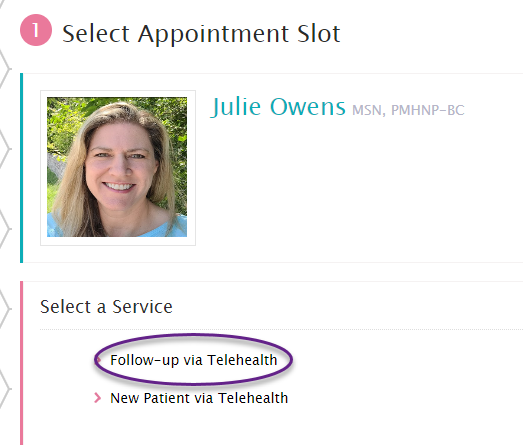
FIRST, if you’ve seen me within the last 12 months, choose Follow-up via Telehealth.
If it’s been more than 12 months, select New Patient via Telehealth to schedule an intake appointment.
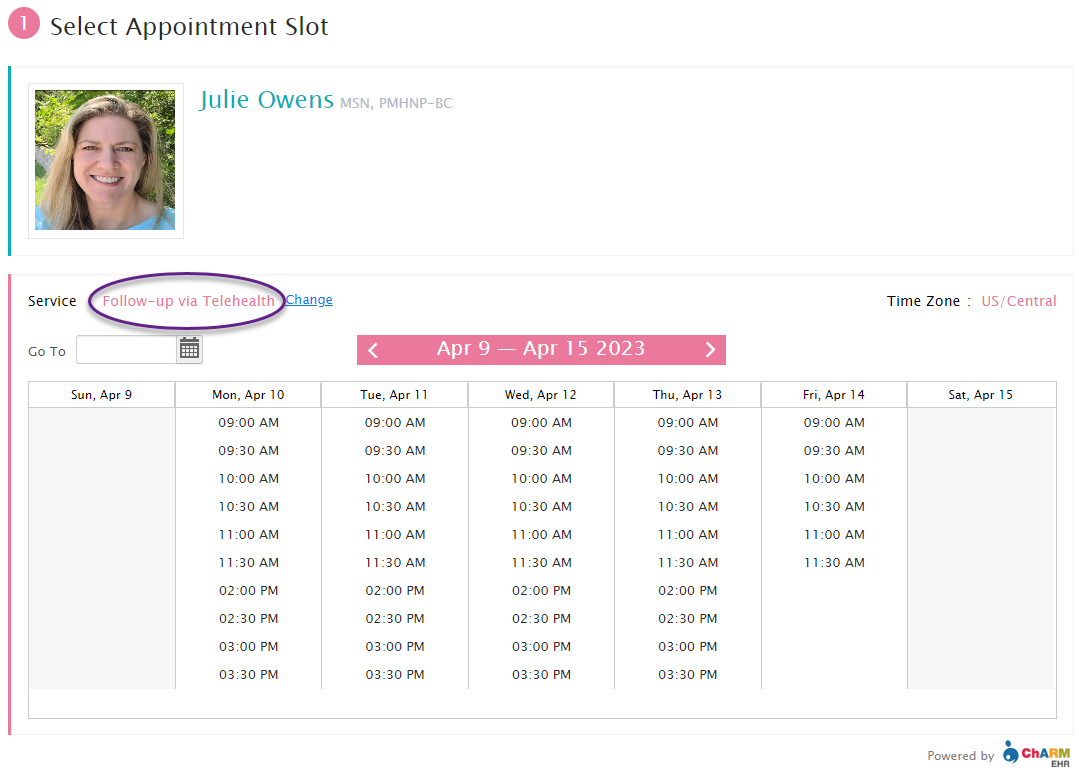
NEXT, Select your appointment date/time.
(Verify the service you select was Follow-up via Telehealth).
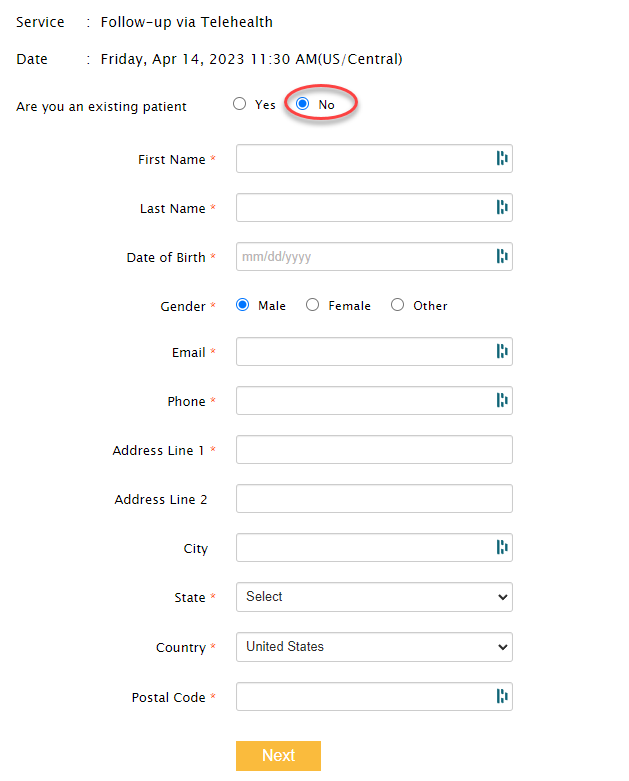
THEN, Be sure to select NO to the “Are you an existing patient” so that you can enter your information into the new system.
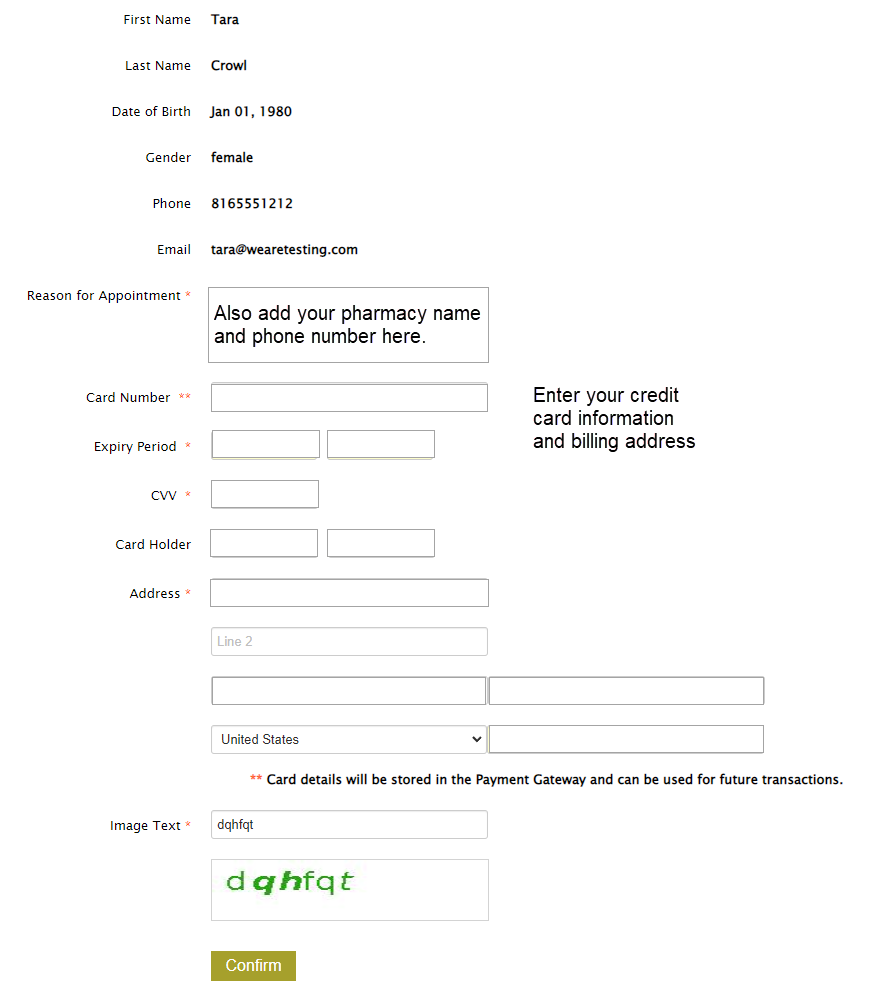
LASTLY, Enter your credit card information and billing address.
Be sure to include your pharmacy and phone number in the Reason for Appointment field.
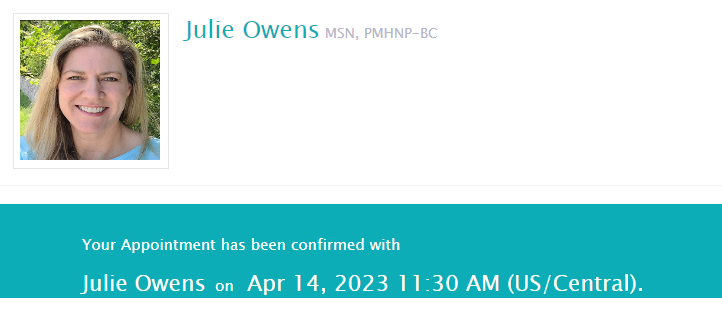
FINALLY, you’ll see your appointment confirmed!